
    Skip to main content
    IdentiReach

    Creative & Pages

    Turn your brief into postcard and ad artwork, landing pages and forms. Start with your brand, build editable assets, then choose where to use them.

    IdentiReach / Creative & Pages

    What you can do

    AI Studio & campaign assets

    Create standalone or campaign-connected artwork and pages with your brief, brand kit and reference material. You approve the final content and launch.

    • Postcard and ad creative
    • Templates, brand kits and uploads
    • Optional matching landing pages
    • Editable drafts and explicit publication

    AI Postcard Studio

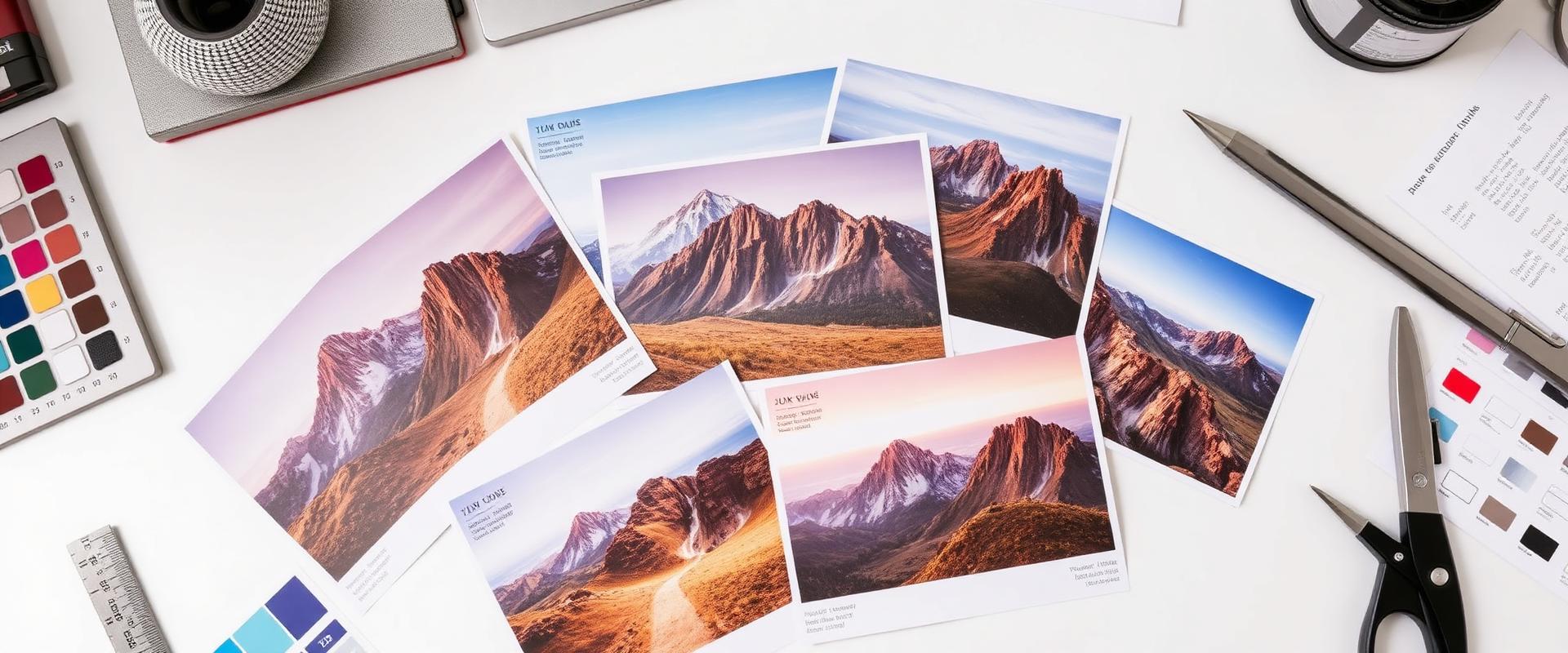
    Generate artwork from a brief or selected starting material, review both sides, and approve the proof before an order.

    • Brand-aware creative
    • Industry templates and reference images
    • Artwork review and revisions
    • 5 monthly design batches; extra batches cost 5 credits

    Landing pages & forms

    Create a standalone page or an optional matching destination for a postcard or ad. Review business facts, copy and links before publishing.

    • Page assets in AI Studio
    • Lead forms and CTA destinations
    • Visits, clicks and submissions measured separately
    • Explicit publication, not automatic launch

    Templates, uploads & brand kits

    Start from a template or your own selected artwork, references and business identity. Keep reusable assets together and review the final content before use.

    • Standalone creative and campaign assets
    • Brand kits and supported artwork uploads
    • Selected reference material
    • Review facts, dimensions and links

    From first step to reviewed action

    1. 01

      Choose a brief and brand

    2. 02

      Create assets or start from a template

    3. 03

      Review copy, artwork and links

    4. 04

      Publish or attach approved assets

    Plans, setup & your approval

    Every plan includes 5 design batches per month; additional batches cost 5 credits each. A draft is not a mailing order or published page.

    Compare current plans

    Connect the creative to your campaign

    Use the next part of the platform when it fits your goal. Creating a draft does not make a purchase, send a message or publish a page.

    Explore the next step